GAME GUIDE · 01
PINHOLE
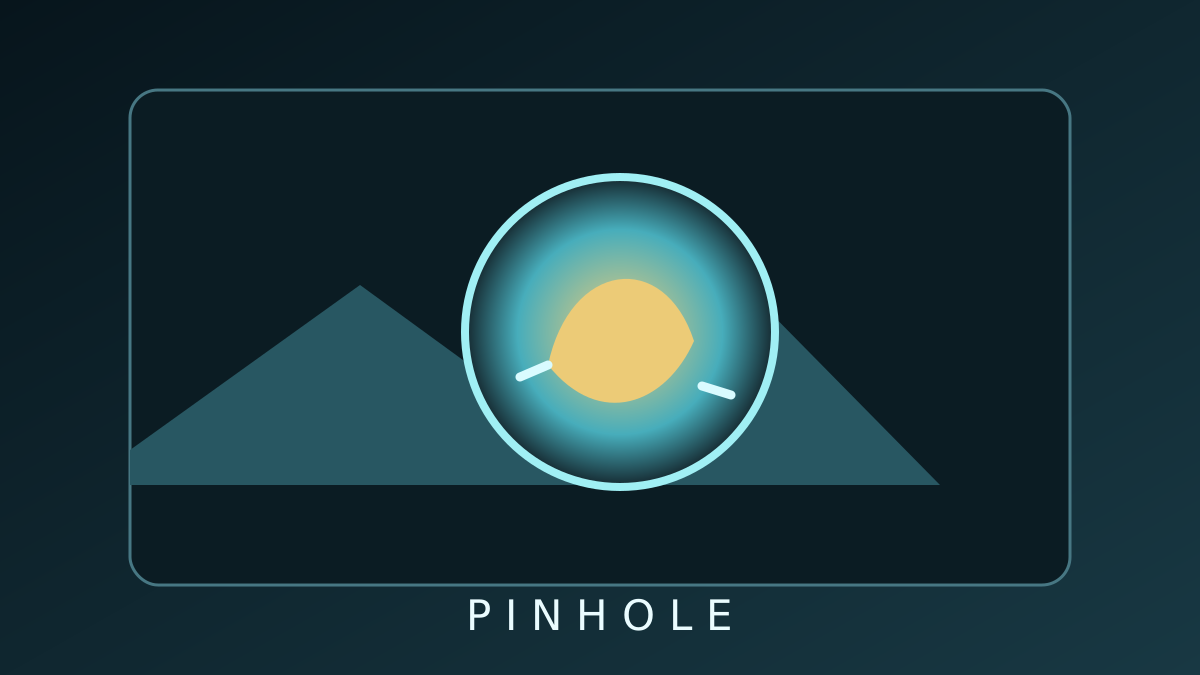
Move a tiny circular window to gather clues and identify the scene.
- PLAYERS1–8 players
- EST. TIME~2 min
- GENREObservation · Deduction
- Direct linkpinhole.still-coding.cc
Goal
Use clues visible through a circular window to identify the object or scene. Everyone plays the same room challenge and compares results.
Create a Room
- Choose a ChallengeThe host selects one scene from the system or demo collection.
- Set Window & TimerChoose the window size and time limit. Players receive the challenge image over P2P.
Play
- Move the WindowUse arrow keys, WASD, or on-screen controls.
- Submit an AnswerAnswer by choice or text. You have up to three attempts.
- Compare ScoresScore uses correctness, explored area, difficulty, and attempts.
Judging & Scores
Judging and scoring run in each browser. This casual mode compares results with friends; the server does not verify answers or scores.
Troubleshooting
- Challenge LoadingIf the host cannot load a system challenge during setup, try selecting it again. After publishing, guests receive the image from the host.
- RefreshRe-request the room asset and confirm the saved run matches its challenge version.
Development Notes (Korean)
Safe & Fair Play
Game results are friendly records among friends. Do not use them for monetary transactions, official tournament judgments, or anti-cheat enforcement.
Anyone who knows the room link may attempt to enter. For private gatherings, use a private room and share the link only with people you trust.