GAME GUIDE · 03
Photo Puzzle
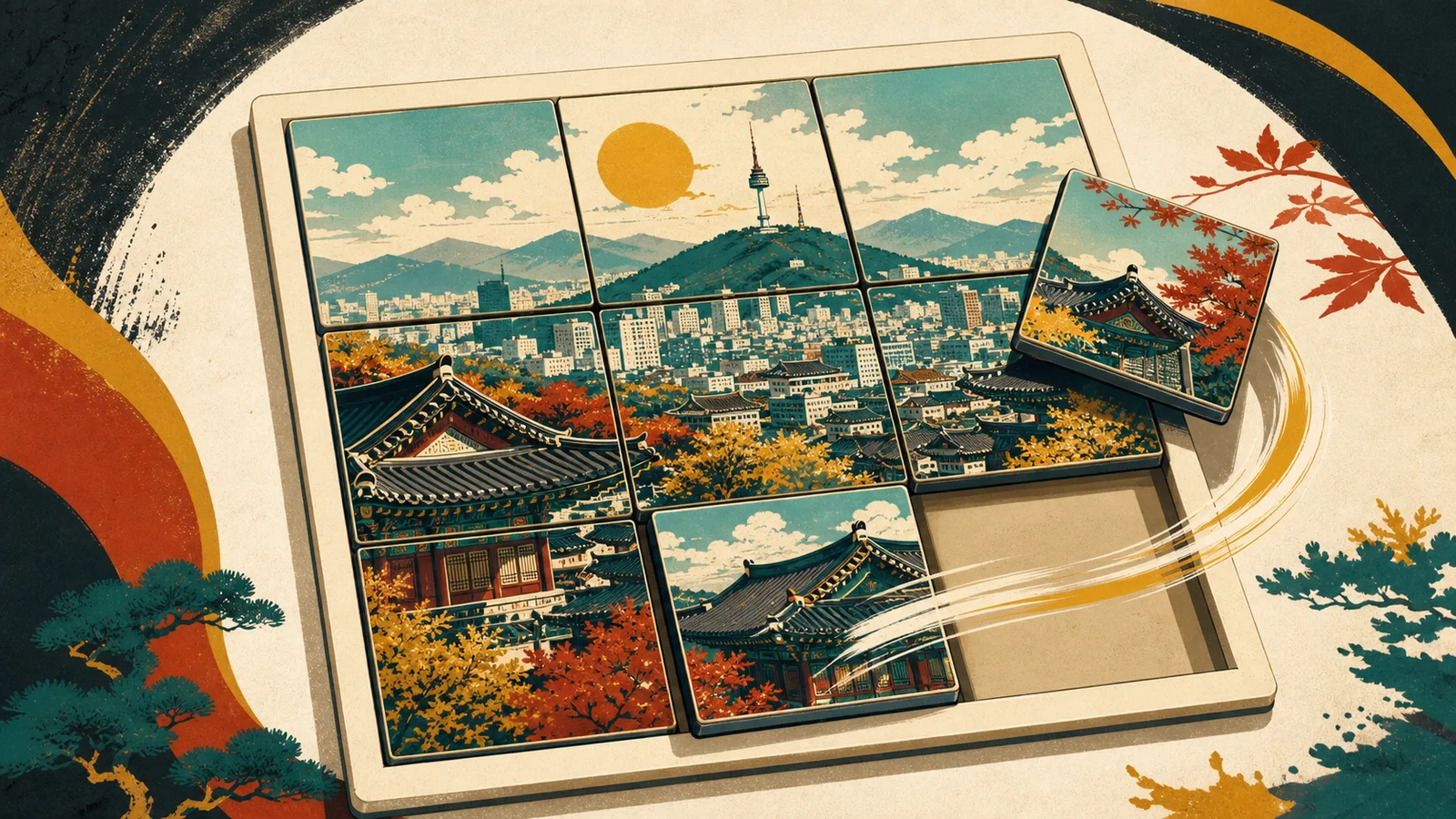
A cooperative puzzle game where you assemble photo tiles and guess where the photo was taken.
- PLAYERS1–8 players
- EST. TIME~10 min
- GENRECo-op · Puzzle
- Direct linkphoto-puzzle.still-coding.cc
Game Goal
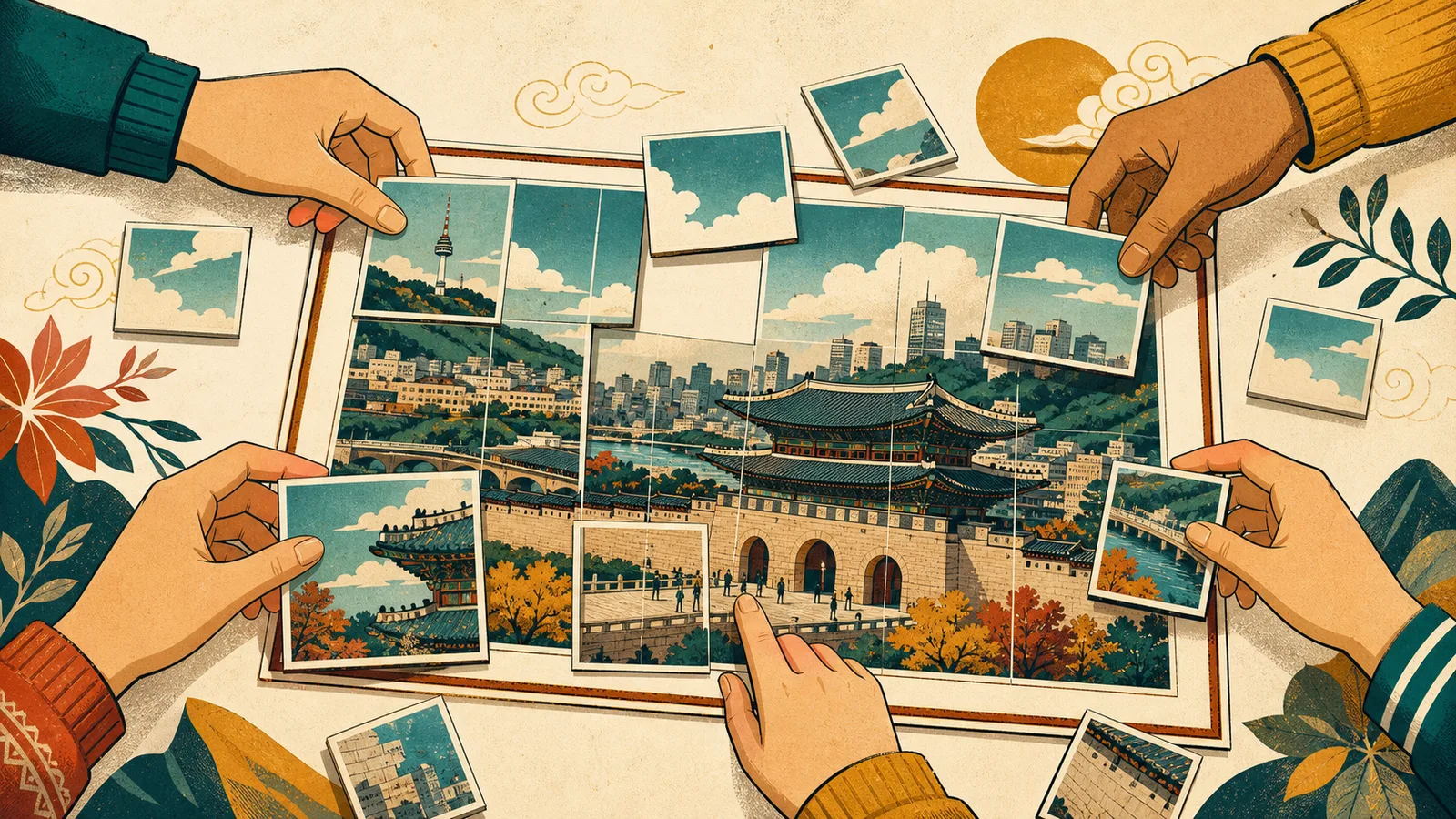
Return scattered photo tiles to their original positions, then correctly enter the location where the photo was taken.
Create Room
- Pick a PhotoThe host uploads a photo and adjusts framing and zoom if needed.
- Set Location & GridEnter the answer location and choose puzzle difficulty from 3×3 to 6×6.
How to Play
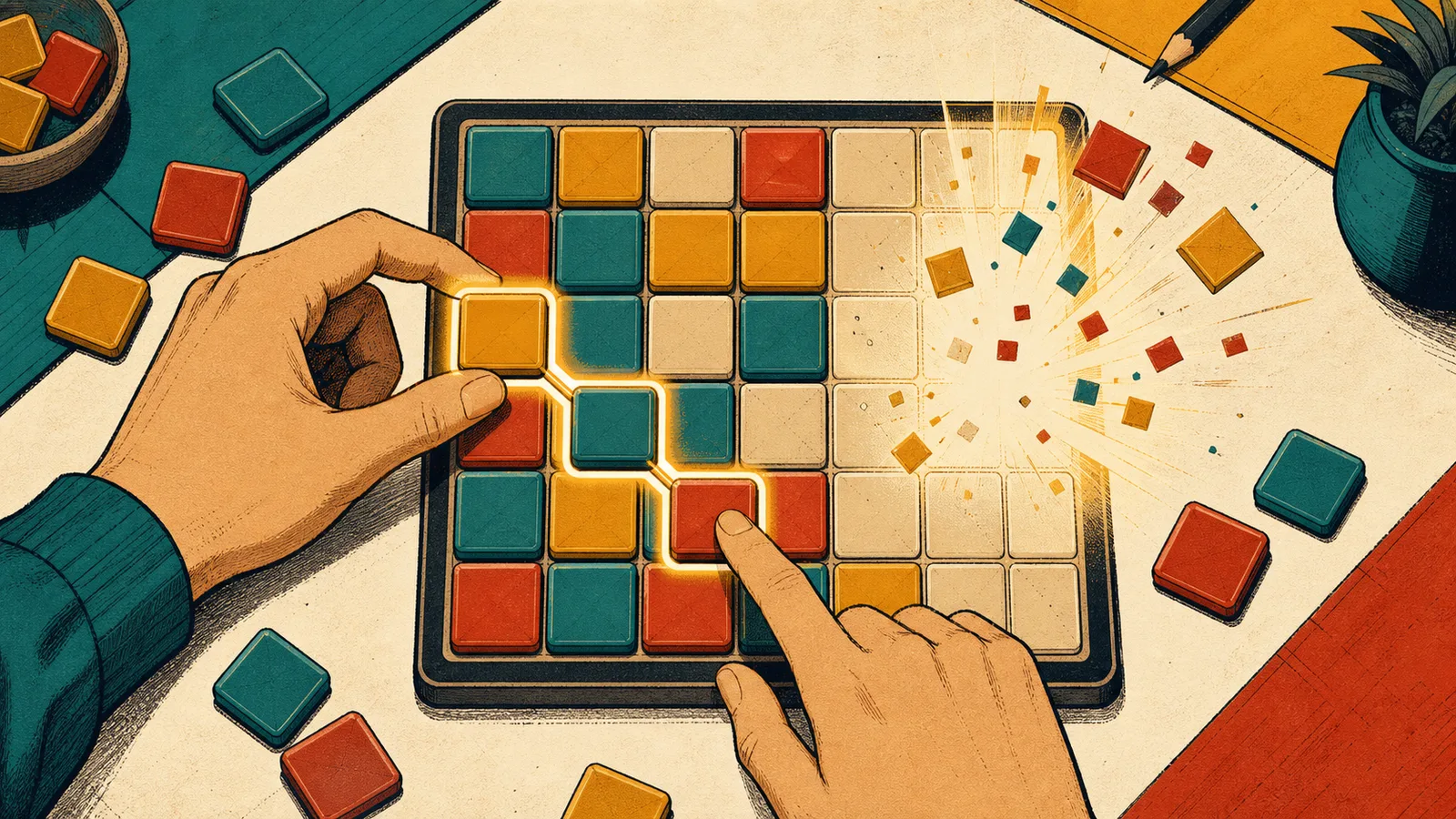
- Swap TilesTap tiles to swap their positions and reconstruct the complete picture.
- Use HintsMulti-tier hints reveal the number of misplaced tiles, highlight wrong slots, or preview the original image.
- Guess LocationOnce the puzzle is assembled, enter the correct location name to clear the round.
Strategy & Tips
Place border and corner pieces first. Focus on distinctive features like buildings, horizons, or roads to narrow down regions quickly.
Make sure to type landmark names accurately. If unsure, use the multi-tier hints step by step.
Network & Troubleshooting (FAQ)
- Host Browser SessionOriginal photos are transferred P2P directly from the host's browser. The host should keep their browser window open during gameplay.
- Delayed P2P TransferUnder strict firewalls or mobile networks, P2P connection may take a moment. Click 'Retry Resource' or refresh the page to reconnect.
- Room Retention LifecycleDraft rooms last 1 hour. Active public rooms stay for 3 days after last activity before transitioning to archived status.
Development Notes (Korean)
Safe & Fair Play
Only use photos you have rights to or consent for. Avoid photos containing sensitive personal information like faces, documents, or personal addresses.
Anyone who knows the room link may attempt to enter. For private gatherings, use a private room and share the link only with people you trust.